Crawl Content
Sources are fetched on their interval or by pipelines. You can also crawl manually.
- Open the source and click Content Management.
- In Manual Crawl, set Number of items to crawl and click Crawl.
- The result shows items found, items stored and response time. New items appear in Crawled Content Items; click View to open one.
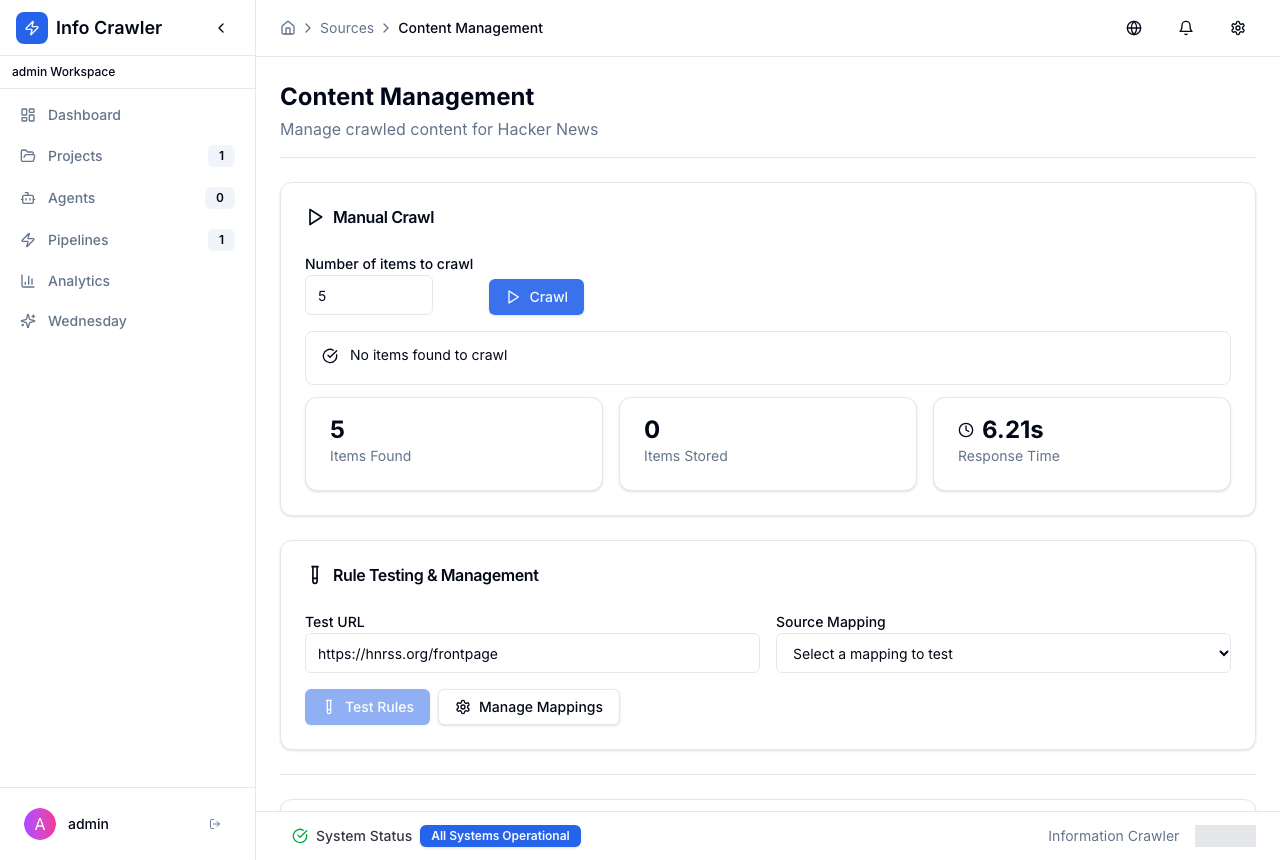
Rule Testing & Management lets you test extraction on a URL with a source mapping before using it in pipelines.