Add an RSS Source
A source tells Information Crawler where to collect content. RSS is the simplest type.
- On the project page, click Add Source in the Sources block.
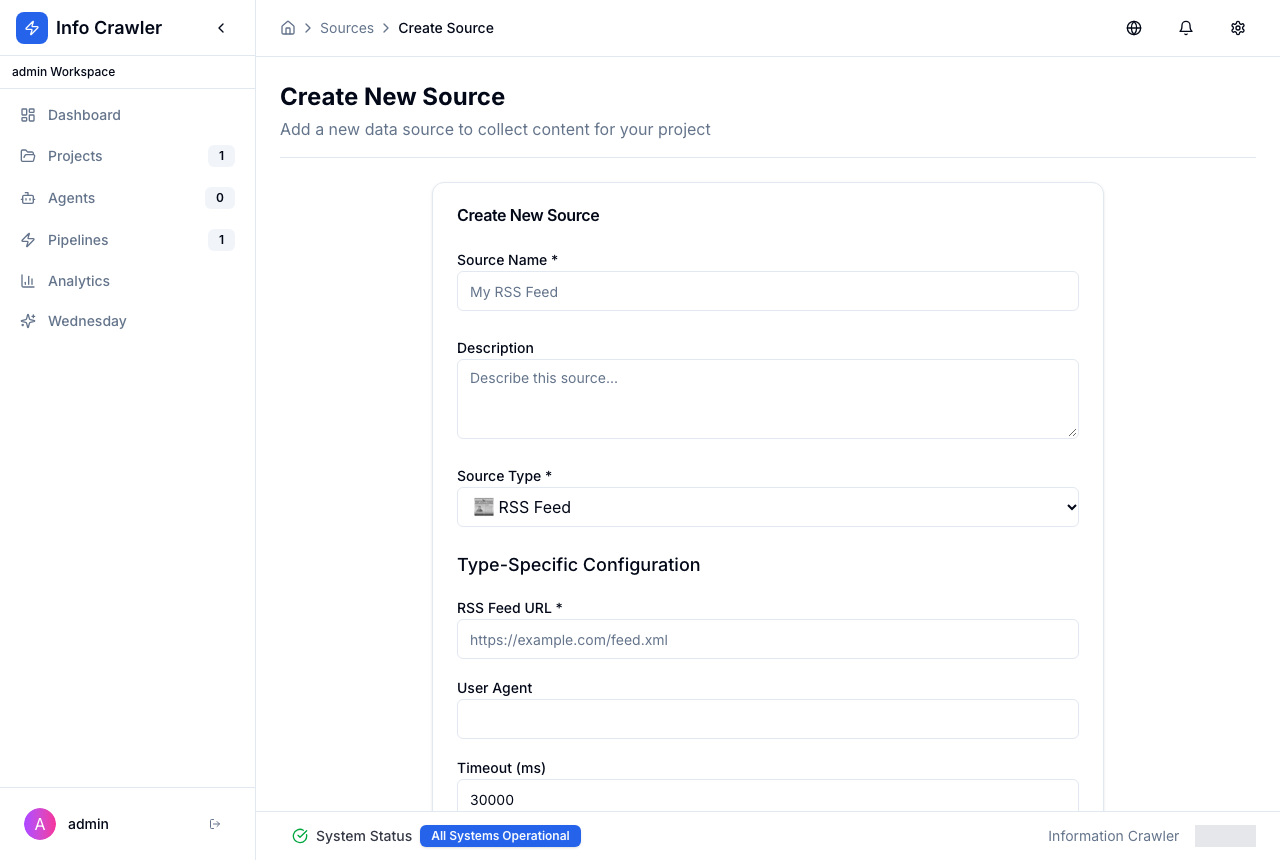
- Fill in the form:
- Source Name --- for example "Hacker News".
- Source Type --- RSS Feed.
- RSS Feed URL --- the feed address, for example
https://hnrss.org/frontpage. - Fetch Interval --- how often to check the feed, in minutes.
- User Agent and Timeout --- leave defaults unless the site requires otherwise.
- Click Create Source.
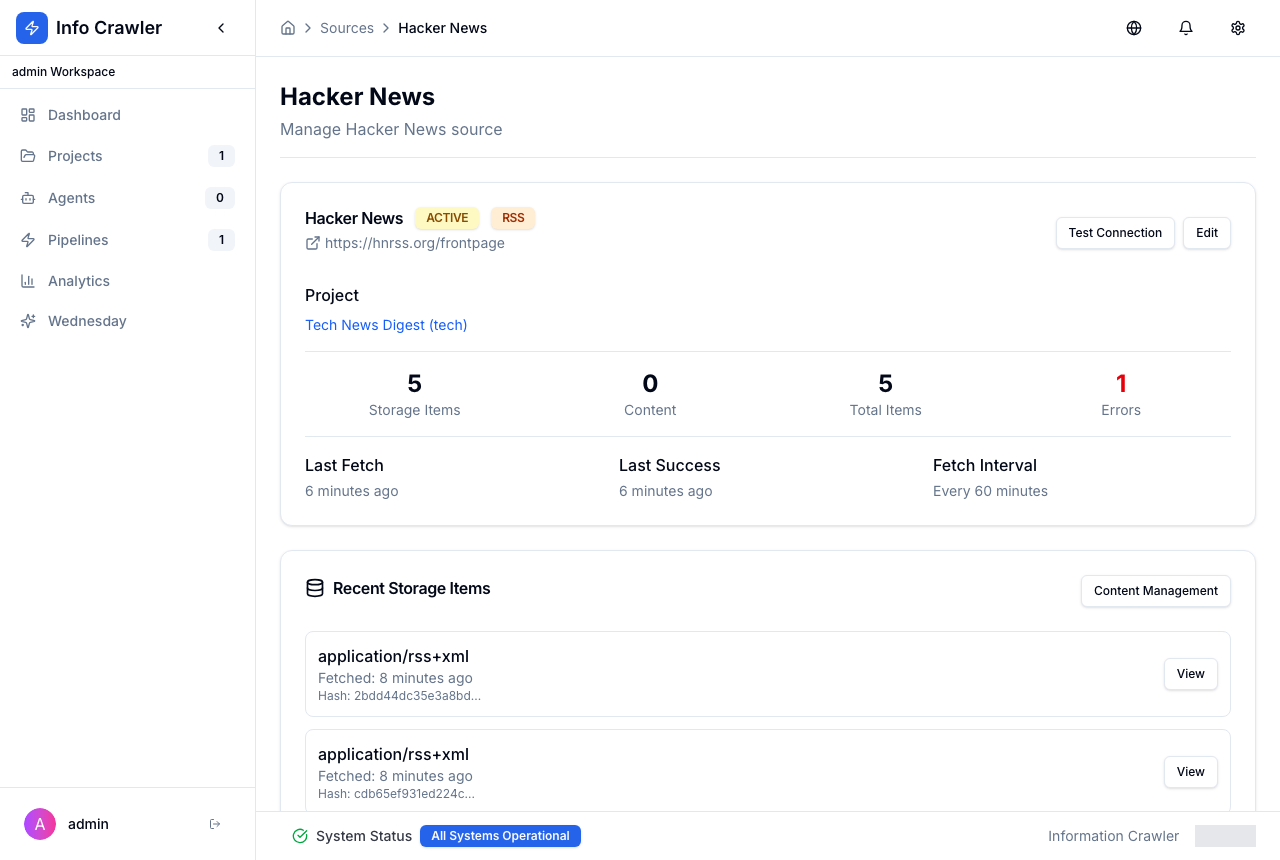
The source page opens. Click Test Connection to check the feed. Content Management opens collected items.