Material Package to Mailoo
Information Crawler prepares the material; publishing and social-post review happen in Mailoo.
- On the project page, click Publication.
- In Material package → Mailoo, choose a publication template and the sources to use.
- Click Prepare package. Review Title, Brief / excerpt and Canonical markdown, and fix blocking items in the checklist. Refine (regenerate) builds a new version.
- Click Send to Mailoo. The result shows the Mailoo inbox; continue review there.
Other actions: Defer saves the draft for later, Preview package JSON shows what will be sent, Discard drops the draft. Recent Mailoo handoffs lists earlier sends.
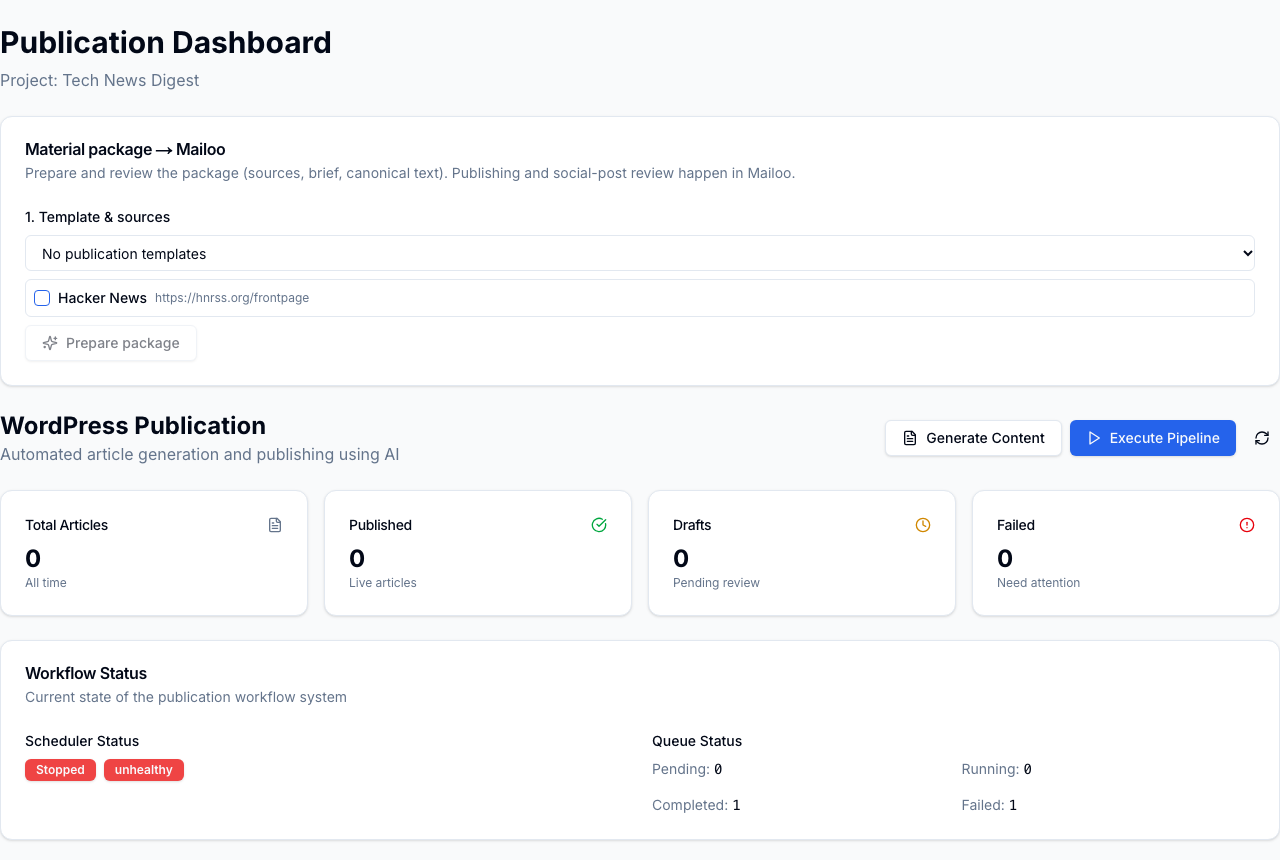
If the template list shows "No publication templates" or the project has no sources, Prepare package stays disabled.